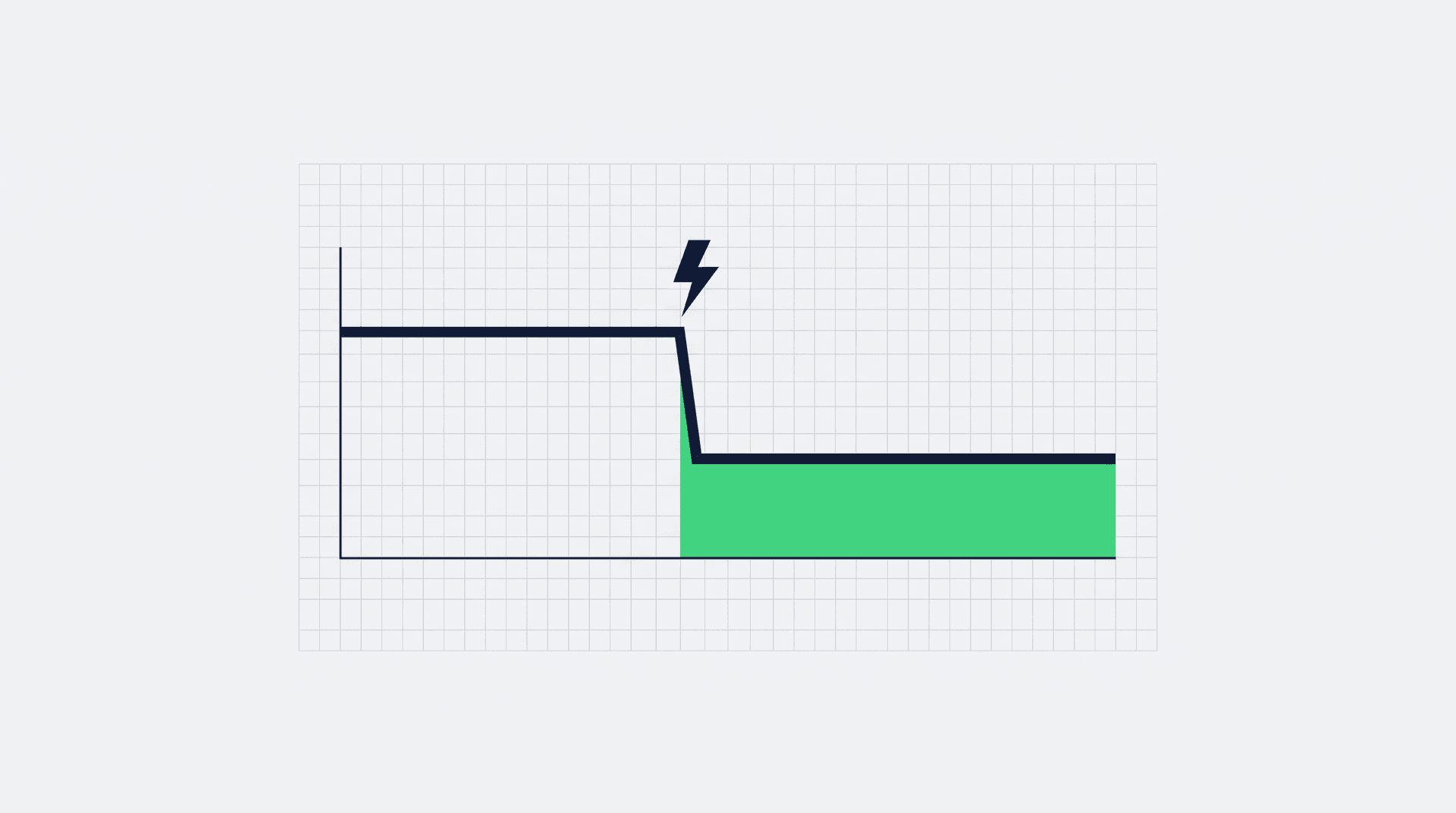
The friction between design and engineering is one of the most expensive bottlenecks in software development. If your team is still manually translating Figma files into CSS, you're losing time, money, and market opportunity.
- Lost hours: development time spent re-translating design into code
- Real money: payroll burned on manual handoffs every quarter
- Faster: time to market once handoffs are AI-assisted
The Old Way: An Expensive Problem
Let's map out the traditional design-to-development process and see where the hours actually go:
Design Brief & Requirements Gathering (Stakeholder alignment and scoping)
Design Brief & Requirements Gathering
Stakeholder alignment and scoping
Wireframing & Low-Fidelity Mockups (Several days of layout exploration)
Wireframing & Low-Fidelity Mockups
Several days of layout exploration
High-Fidelity Design & Prototyping (The heaviest design phase by far)
High-Fidelity Design & Prototyping
The heaviest design phase by far
Developer Handoff & Documentation (Specs, redlines, and clarifying questions)
Developer Handoff & Documentation
Specs, redlines, and clarifying questions
Implementation, Revisions & QA (Where the bulk of engineering time lands)
Implementation, Revisions & QA
Where the bulk of engineering time lands
Total Time: Most of a sprint per feature
Total cost: a meaningful slice of your engineering payroll, spent on translation rather than product.
Across the features a team ships each quarter, the handoff process alone adds up to real money that never reaches the user.
The AI-Powered Handoff: Collapsing Timelines
Modern AI tools like Claude, Figma's AI features, and v0 by Vercel are changing how teams move from design to production. Instead of weeks of back-and-forth, you can generate production-ready code from visual prototypes in minutes.
Visual Input (Upload mockup or describe interface)
Visual Input
Upload mockup or describe interface
AI Processing (Instant component generation with styling)
AI Processing
Instant component generation with styling
Production-Ready Code (React, Vue, or vanilla JS with full styling)
Production-Ready Code
React, Vue, or vanilla JS with full styling
Case Study: How Brilliant and Datadog Are Shipping Faster
Teams across the industry are folding AI-powered design tools into their build process to shorten development cycles. Two patterns show up again and again:
From Static Mockup to Interactive Learning Module
Old process: weeks from design approval to a deployed feature
New process: a couple of days, using Claude to generate interactive React components directly from Figma exports
Result: the design-to-deployment window collapses, leaving room to test more feature variations before committing
Automated Dashboard Component Generation
Challenge: Creating consistent, accessible chart components across dozens of dashboard templates
Solution: AI-powered component generation from design system specifications
Impact: component work that used to take days lands in hours, with accessibility checks baked into the output
The Impact on Time-to-Market
Faster handoffs create a compound effect throughout your organization:
| Metric | Manual Handoffs | AI-Powered Handoffs |
|---|---|---|
| Feature Development Time | Weeks | Days |
| Design Iteration Cycles | Many rounds | A round or two |
| Time to User Feedback | Over a month | A week or two |
| Developer Hours per Feature | High | A fraction of that |
| Annual Feature Throughput | Constrained by handoff drag | Substantially higher |
Implementation Strategy: Making the Switch
1. Start with Low-Risk Components
Begin by using AI tools for standardized UI components: buttons, forms, cards, and navigation elements. These have predictable patterns that AI handles exceptionally well.
2. Establish Design-to-Code Standards
Create clear naming conventions and component structures that both designers and AI tools can follow. This ensures consistency whether code is human or AI-generated.
3. Invest in Design System Documentation
The better your design system documentation, the more accurate AI-generated code becomes. Include token definitions, spacing rules, and interaction patterns.
4. Train Your Team on AI Tools
Dedicate time for designers and developers to learn prompt engineering and AI tool workflows. A well-crafted prompt can save hours of manual coding.
The Bottom Line: Manual Handoffs Are a Competitive Disadvantage
If your developers are still manually translating Figma files into CSS, you're not just wasting money, you're ceding market position to competitors who ship faster.
- Less drag: time spent on handoffs falls sharply
- More shipping: features reach users more often
- Real savings: payroll moves from translation to product
The math is clear: AI-powered design handoffs aren't just an incremental improvement, they're a fundamental shift in how software gets built. Companies that adapt will ship faster, iterate more frequently, and ultimately deliver better products to their users.
The question isn't whether to adopt AI-powered design tools, it's how quickly you can make the transition before your competitors leave you behind.
Ready to Eliminate Your Design Bottlenecks?
Grid Theory builds AI-native development workflows that turn your design system into production code in hours, not weeks.