Introduction: Thriving in the Automated Age of 2026
Small business owners run on limited time, and manual, repetitive work eats most of it. Tasks like invoice processing, data entry, and customer follow-ups drain resources without moving the business forward. Every hour spent on routine administrative work is an hour not spent on strategic planning, customer engagement, or growth. This guide explains how workflow automation lets small businesses reclaim that time, reduce errors, and compete more effectively.
Understanding Workflow Automation: A Catalyst for Small Business Growth
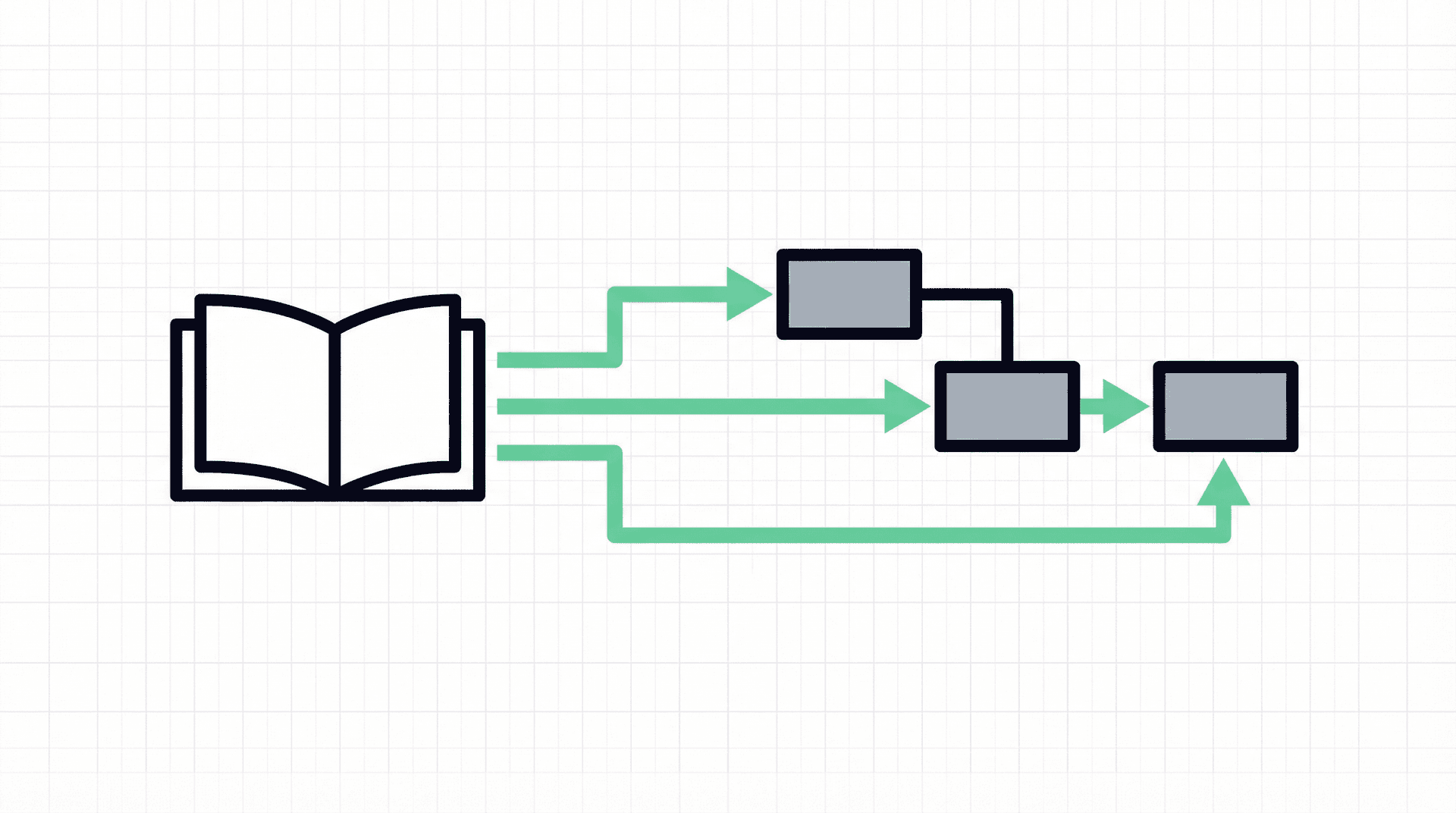
Workflow automation is the strategic use of software to automatically execute repetitive tasks, approvals, and processes that would otherwise require manual effort. It transforms cumbersome, multi-step operations into streamlined, self-executing sequences, allowing businesses to operate with greater agility and precision. At its core, workflow automation functions through four key components:
- Triggers: The events that initiate a workflow, such as a new email, a form submission, or a scheduled date.
- Rules: Predefined conditions that guide the workflow's path, determining what actions should be taken based on specific criteria.
- Actions: The tasks performed automatically by the system, like sending an email, updating a database, or generating a report.
- Integrations: The connections that allow different software applications (e.g., CRM, accounting software, project management tools) to communicate and exchange data seamlessly.
By connecting these elements, workflow automation creates a continuous, efficient flow of operations, freeing up human capital to focus on higher-value activities.
Why Workflow Automation is Indispensable for Small Businesses in 2026
For small businesses, where resources are often limited, workflow automation is not just a luxury but a strategic imperative. Its benefits are multifaceted and directly contribute to sustainable growth and competitive advantage:
- Increased Efficiency: Automated workflows operate around the clock, completing tasks instantly and eliminating delays inherent in manual processes. This allows teams to focus on core competencies and strategic initiatives.
- Fewer Errors: Human error is a significant cost driver. Automation follows predefined rules consistently, reducing mistakes in data entry, calculations, and process execution, leading to higher accuracy and less rework.
- Lower Operating Costs: By automating repetitive tasks, businesses can reduce labor costs and improve output without the need to hire additional staff. This optimizes resource allocation and boosts profitability.
- Better Customer Experience: Automation ensures faster responses, consistent follow-ups, and personalized communication, leading to improved customer satisfaction and stronger trust. This is crucial for building lasting customer relationships.
- Easier Scaling: As a business grows, automation allows it to handle increased workloads without a proportional increase in complexity or overhead. This provides a flexible foundation for expansion and adaptation.
Common Areas for Workflow Automation
Workflow automation can be applied across virtually every department within a small business, yielding significant improvements:
Marketing Automation
Marketing automation streamlines routine campaign tasks, such as sending welcome emails, scheduling social media posts, and nurturing leads. For instance, when a visitor subscribes to a newsletter, an automated workflow can instantly add them to a mailing list and send a personalized welcome sequence, ensuring timely engagement and consistent brand messaging.
Sales Automation
Sales teams can use automation to manage leads, send follow-up emails, schedule appointments, and update CRM records. This frees up sales representatives from administrative burdens, allowing them to dedicate more time to direct client interactions and closing deals, ultimately enhancing sales productivity and conversion rates.
Finance Automation
In finance, automation can reshape tasks like invoice processing, expense tracking, and payroll management. An automated system can extract data from invoices, route them for approval based on predefined rules, and even schedule payments. This minimizes manual data entry, reduces errors, and ensures timely financial operations.
Customer Support Automation
Automating customer support processes can significantly improve response times and service quality. Chatbots can handle frequently asked questions, automated ticketing systems can categorize and route inquiries to the appropriate department, and automated follow-ups can ensure customer issues are resolved promptly. This allows human agents to focus on complex or sensitive customer interactions.
Human Resources and Employee Onboarding Automation
HR departments can automate various tasks, including generating offer letters, managing new hire paperwork, setting up IT accounts, and delivering onboarding materials. This ensures a smooth and consistent onboarding experience for new employees, reduces administrative burden, and allows HR professionals to focus on talent development and employee engagement.
How to Get Started with Workflow Automation
Embarking on the automation journey requires a structured approach to ensure success:
- Identify Repetitive Tasks: Begin by meticulously tracking and listing all tasks performed regularly throughout the week. Look for activities that are time-consuming, prone to error, and follow a predictable sequence. Common candidates include data entry, report generation, email management, and approval processes.
- Map Your Workflow: Before automating, clearly document the current manual process. Ask critical questions: What triggers the task? What are the sequential steps? Who is responsible at each stage? Where do bottlenecks or errors typically occur? This detailed process map will serve as the blueprint for your automated workflow.
- Choose the Right Automation Tool: Select a workflow automation platform that aligns with your business needs and technical capabilities. Look for features such as no-code/low-code interfaces, visual workflow builders, pre-built templates, seamless integration with your existing software ecosystem, and robust analytics for monitoring performance. Ease of use and scalability are paramount for successful adoption.
Common Workflow Automation Mistakes to Avoid
While the benefits of automation are clear, businesses should be mindful of potential pitfalls:
- Automating Too Much Too Fast: Start with small, manageable workflows and gradually expand. Over-automating or attempting to automate complex, ill-defined processes prematurely can lead to frustration and failure.
- Ignoring Human Oversight: Automation should augment human capabilities, not replace them entirely. Ensure there are mechanisms for human review and intervention, especially for critical decisions or exceptions.
- Skipping Documentation: Thoroughly document all automated workflows, including their purpose, triggers, rules, and actions. This ensures maintainability, facilitates troubleshooting, and aids in onboarding new team members.
- Failing to Optimize: Automation is not a one-time setup. Regularly review and optimize your automated workflows to adapt to changing business needs, improve efficiency, and identify new automation opportunities.
The Grid Theory Angle: Building Custom Systems for Unrivaled Efficiency
While off-the-shelf automation tools offer a starting point, many small businesses eventually encounter limitations when their unique operational complexities demand more tailored solutions. This is where Grid Theory excels. At Grid Theory, we understand that real, lasting efficiency comes from systems meticulously designed to fit your specific business model, rather than forcing your business into a generic framework. Our approach keeps every build grounded in your business: we start with goal-oriented design, deeply understanding your objectives and pain points so every system is purpose-built for measurable outcomes. We focus on robust integration, connecting disparate systems and data sources into a unified operational ecosystem that eliminates silos and protects data integrity. We design custom solutions that go beyond basic task automation to deliver strategic advantages, and we engineer every system to be deployable and scalable, growing with your business without requiring constant overhauls.
Grid Theory doesn't just automate tasks; we architect intelligent, custom systems that become the backbone of your operations. We identify the intricate connections within your business, design bespoke workflows that optimize every interaction, and build robust platforms that empower your team. Our expertise lies in crafting solutions that are not only efficient but also adaptable, secure, and perfectly aligned with your long-term vision. We turn operational challenges into strategic assets, giving you a distinct competitive edge that generic solutions simply cannot provide.
Ready to Get Started?
Building the right systems doesn't have to be overwhelming. Grid Theory helps businesses design and implement solutions that actually work, no bloated platforms, no guesswork.
Book a discovery call and let's talk about what this could look like for your business.